Launchpad
Stylebook.
An editorial learning system with an approachable, game-like rhythm. Bold headlines, clear track colors, and visible progress help learners move from curiosity to practice.
 EdTech · BYU IS Junior Core · Case F26
A mark with
character.
Use the original artwork. Preserve its proportions, keep it clear of competing elements, and choose a background that gives it room to read.
Original artwork · supplied asset
Color, with
purpose.
Exact values from the identity. Select a swatch to copy its HEX code. Pair color with readable labels and choose text colors with sufficient contrast.
Core
Track ribbons
Midnight theme
Every word,
considered.
A deliberate hierarchy, from the first headline to the smallest label. The specimens use each brand’s actual typefaces.
Find your direction.
ABCDEFGHIJKLMNOPQRSTUVWXYZabcdefghijklmnopqrstuvwxyz · 0123456789
Archivo
600–900
Find your direction.
Roboto
400 / 500 / 700
Explore a track, practice a question, find your next step.
Roboto Mono
400–700
CAREER TRACK / PRACTICE / PROGRESS
A system
in use.
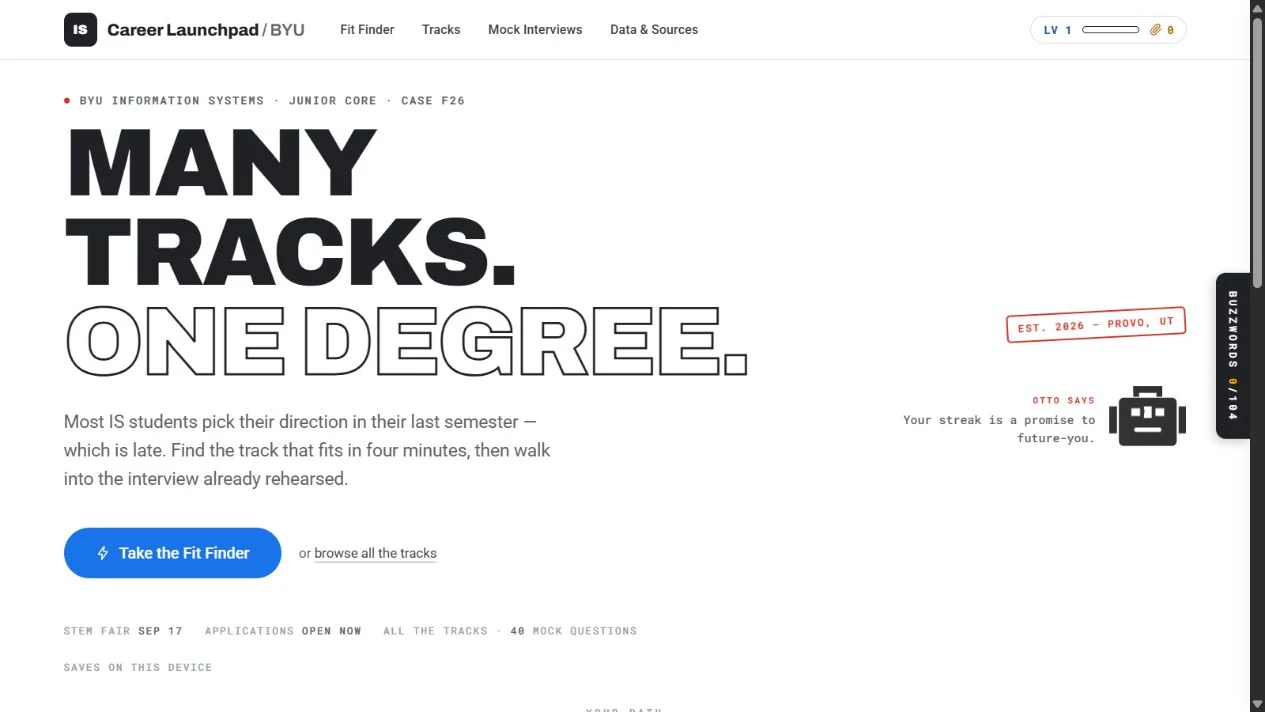
Actions, labels, and surfaces working together. These are visual specimens of the interface language.
Launchpad / Interface study
Find your direction.
Encouraging, specific, and human. Explain the next step and give feedback with a reason.
Keep it
recognizable.
Encouraging, specific, and human. Explain the next step and give feedback with a reason.
- 01
Keep the print-inspired structure
Use ink borders, dotted dividers, and a restrained number of stamps. Preserve the flat, gradient-free character of the learning interface.
- 02
Treat track colors as a system
Use the same assigned color for a career track wherever it appears. Blue guides actions; yellow signals progress.
- 03
Make progress understandable
Pair XP, streaks, and rewards with clear labels. The teaching content stays central, and decorative details support it.
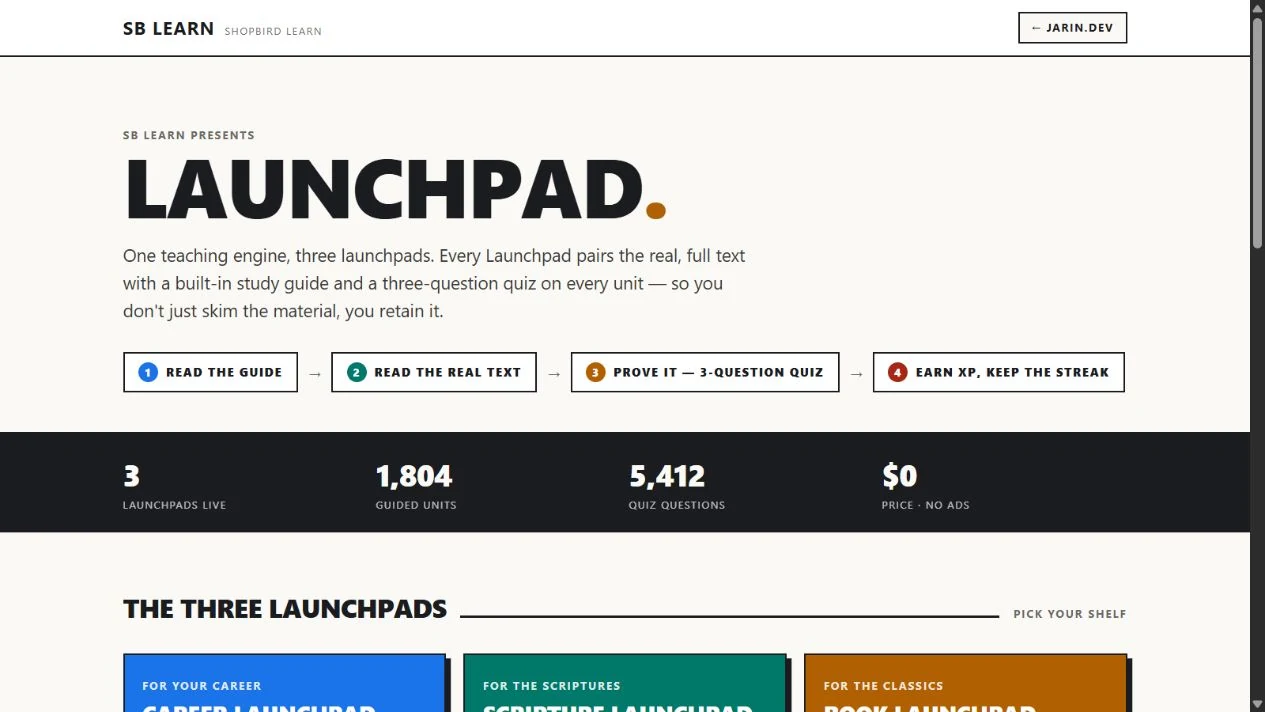
This guide documents the Career Launchpad identity within the SB Learn family.
Palette proportions follow the brand guide on Jarin.dev. Original marks and product artwork are checked against the project’s source assets; screenshots are dated where shown.
View original on jarin.dev ↗